The AI editing agent built for Adobe Premiere Pro
Edit with a simple prompt. Stay in Premiere.
VibeCut turns hours of tedious editing into a finished cut with one simple prompt. Write what you want, and VibeCut does the work in your project!
A free session with captions and AI editing, no sign-up. the Captions plan for captions only; Standard and Pro for AI editing, with captions included.
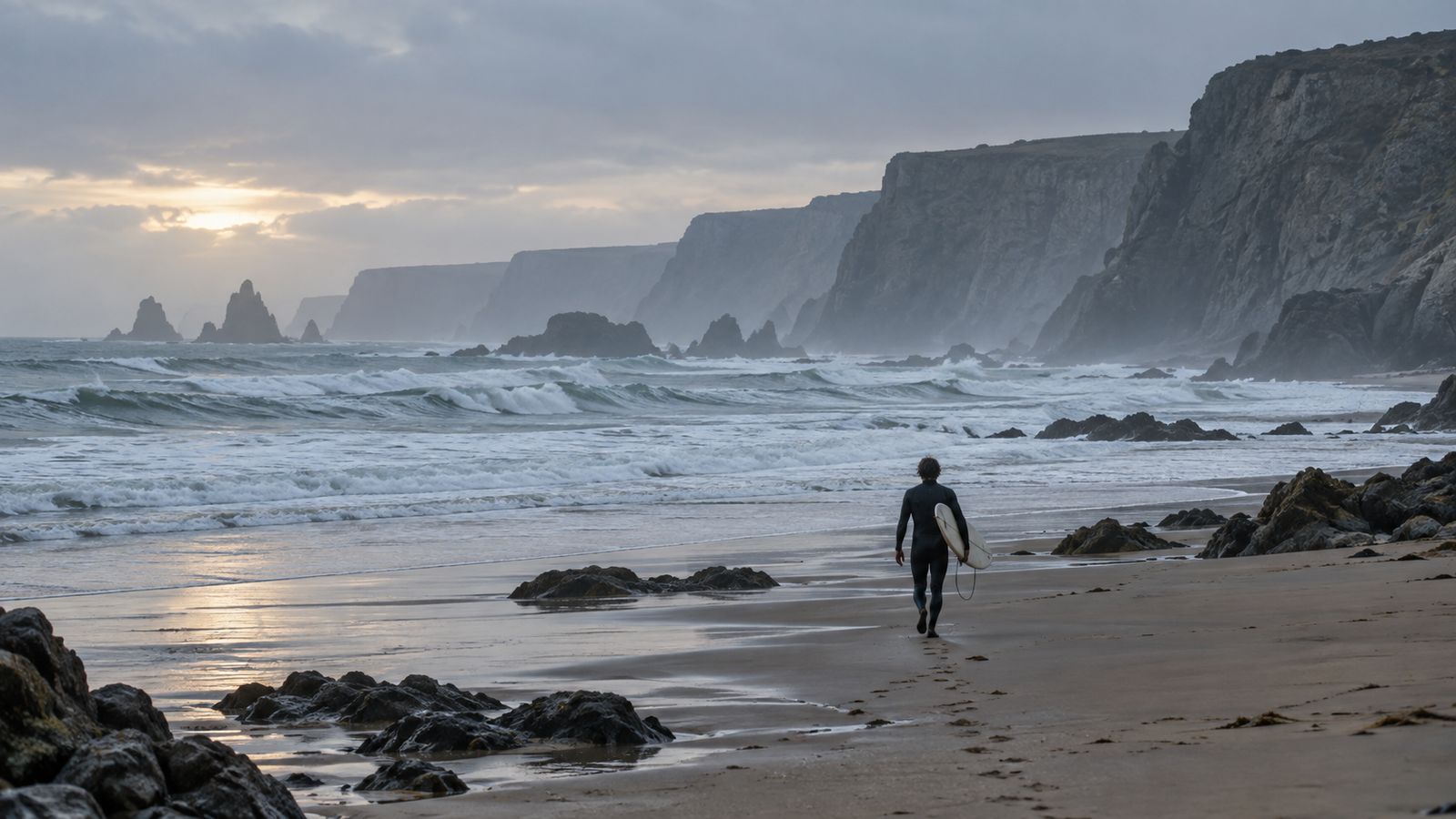
- Interview → two-minute story
- Podcast → vertical cut
- Long recording → first cut
- Hebrew captions, right to left
- English captions in minutes
- Location audio → clean dialogue
- Busy street → isolated voice
- One look across the edit
- Every edit on a fresh sequence
- 16:9 → 9:16 with social-ready safe zones
- Lives inside PremiereA panel next to your timeline. Nothing new to learn.
- Your video stays on your computerVideo is analysed locally. Only the speech you transcribe goes to our speech service, and it is deleted after transcription.
- You have the final sayIt asks when something is unclear, and you can fine-tune anything by hand.
- Your original stays intactEvery result lands in a fresh sequence.
Write a prompt and watch the edit happen in real time!
VibeCut analyses what was said, keeps the lines that fit your request and arranges them on a new sequence. Your source footage stays exactly as it was.
Open with why she started. Keep it under a minute.
Transcript
- 00:01:10I grew up two streets from this beach.2
- 00:02:17Sorry, can we take that again from the top?
- 00:03:24The first winter it was just me and the cold water.3
- 00:04:31I started because my father couldn't swim anymore.1
- 00:05:38Is the light all right on my side?
- 00:06:45Now forty of us swim here every morning.4
New sequence
- 4 of 6 lines · 0:52
- Source clips unchanged
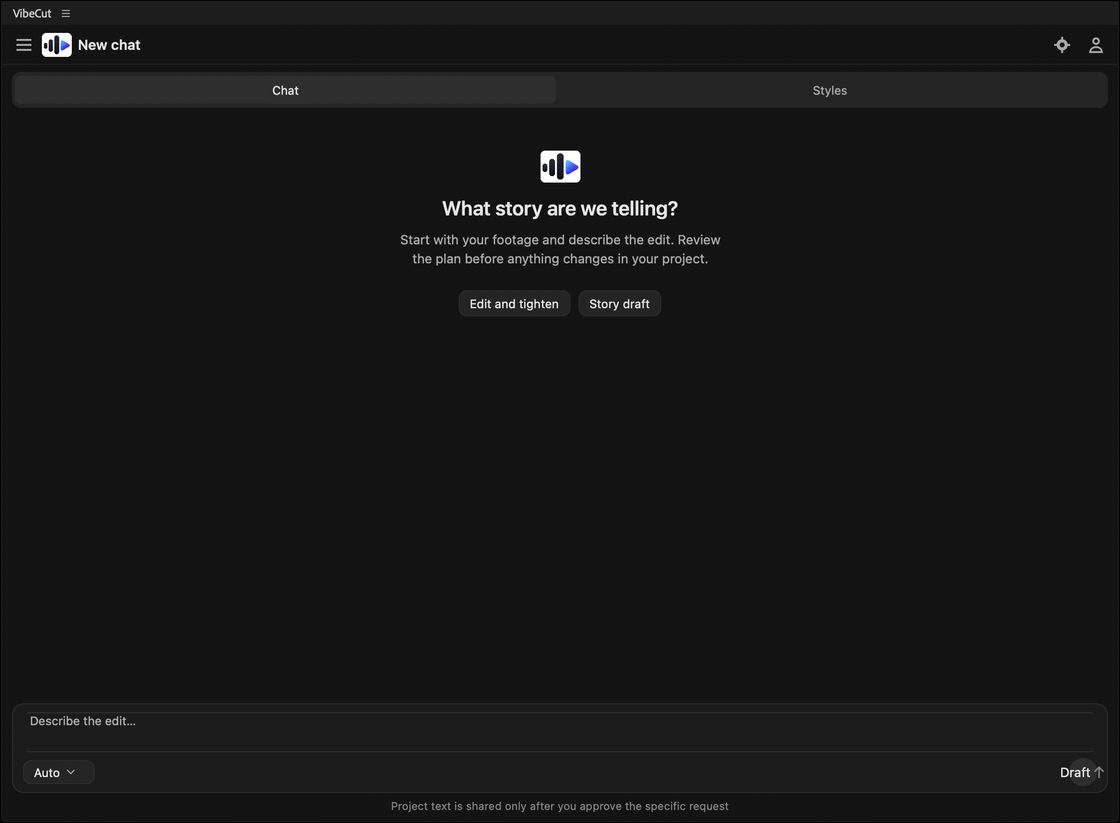
One conversation in the panel: you set the vibe, VibeCut does the work, and you have the final say.
Write a prompt
Say what the edit should do, in any language. Your footage is analysed on your computer, and its speech transcribed in the cloud, to plan your task in the best possible way.
VibeCut edits
The edit comes together on a new sequence, right before your eyes. If anything is unclear, VibeCut simply asks.
Start from the result
Made for your final video: VibeCut edits it for you.
Interviews, podcasts, social videos, demos: all in one workflow, always on your own footage.
Tell the story
A long recording becomes a story you can follow: a draft from the transcript, then a precise cut list.
Make it vertical
A 9:16 version framed with visible transforms you can fine-tune in Premiere.
Finish it
Cleaner dialogue and a considered look, with native Premiere effects you can adjust.
Stay in control
Every edit lands on a new sequence. VibeCut asks when something is unclear, and you can refine anything by hand.
Vertical
A new frame. The same story.
Turn a horizontal edit into a 9:16 cut from the footage you already have. The framing is written as real Premiere transforms, so every decision stays visible and adjustable.
- Fit with padding, or a crop placed for each section
- Built on a separate sequence
- Social-ready safe zones
Models
The right model for every edit.
Your free session starts on Auto, which picks the right model for every request. On Pro, you choose the model and the thinking level yourself.
Privacy
Your files stay with you.
- Video and audio
- Video stays on your computer
- Your video files are opened and measured on your computer and never uploaded. For transcripts and captions, only the speech of the range you transcribe goes to our speech service, and it is deleted after transcription.
- What the AI gets
- Only what it needs
- The transcript and the disclosed editing context: instructions, relevant transcript excerpts, source IDs (not filenames), segment and shot durations, labels and editing constraints. To understand the picture, and only with your consent, small low-resolution frames too.
- No training
- Your footage trains no models
- Our AI providers do not use your requests to train their models, and we keep no request content on our servers.
In the works...
Where VibeCut is heading.
New tools join the panel as they are ready. Here is what is on the bench.
Pricing
Start free. Upgrade when it clicks.
A free session with captions and AI editing, no sign-up. the Captions plan for captions only; Standard and Pro for AI editing, with captions included.
Free session
Try captions and AI editing free, once per computer. No sign-up.
Launch pricing
Free
One free session per computer: captions and AI editing, no sign-up
One free budget for AI editing and captions: use it however you like
- Accurate captions, Hebrew first, in many languages
- No card required
- Safe-zone guides and analysis on your computer: unlimited, no AI edits used
- Model: Auto
- Thinking level chosen for you
- Story editing, captions and vertical
- Studio finishing tools
Captions
Captions only: accurate captions in Premiere, at our lowest price.
Launch pricing
$7.90a month
or $69 a year3 months free
300 caption minutes a month
Fair use: up to 120 minutes a day
- Accurate captions, Hebrew first, in many languages
- Word-timed animated caption styles
- One editing machine
Start freeSoonThe Captions plan opens soon
Standard
AI editing, with Auto choosing the model.
Launch pricing
$19a month
or $168 a year3 months free
120 AI edits a month
Bonus: 600 caption minutes a month included
About 30–40 videos a month, at about 3–4 AI edits per video
Fair use: up to 180 minutes a day
- Captions plus AI editing every month
- Safe-zone guides and analysis on your computer: unlimited, no AI edits used
- 2 editing machines
- Model: Auto
- Thinking level chosen for you
- Story editing, captions and vertical
- Studio finishing tools
Recommended
Pro
AI editing: choose the model and how deeply it thinks.
Launch pricing
$39a month
or $348 a year3 months free
400 AI edits a month
Bonus: 1500 caption minutes a month included
About 100–130 videos a month, at about 3–4 AI edits per video
Fair use: up to 360 minutes a day
- Captions plus AI editing every month
- Safe-zone guides and analysis on your computer: unlimited, no AI edits used
- 3 editing machines
- Model: Auto, or pick a named model
- Thinking level: Fast, Balanced or Deep
- Story editing, captions and vertical
- Studio finishing tools
- Motion title templatesSoon
- Secure checkout by Paddle
- Cancel anytime
- VAT included for Israel
- Receipt by email
Final price, including any applicable tax, is shown at secure checkout. Plans renew automatically; cancel anytime. Terms & Conditions · Refund and Cancellation Policy
Questions
Good to know.
What is VibeCut?
VibeCut is an AI editing agent for Adobe Premiere Pro. It turns a simple prompt into a new sequence built from your own footage. AI plans the edit from transcript text and editing context; VibeCut does not generate images, video, music or voices. Your video stays local; only the speech you transcribe goes to our speech service.
Does my footage leave my computer?
Your video files never do, and audio files are never uploaded whole: for transcripts and captions, only the speech of the range you transcribe goes to our speech service, and it is deleted after transcription. AI planning sends only the disclosed text context: instructions, relevant transcript excerpts, source IDs (not filenames), segment and shot durations, labels and editing constraints. Only with your consent does it also send small, low-resolution frames, so it can understand the picture. Local-only mode makes no network requests.
Does it edit without me?
VibeCut edits directly from your request, on a new sequence, and your footage stays untouched. If something is unclear, it asks. You can always keep working on the project yourself and fix anything by hand.
Is the panel available in Hebrew or Spanish?
Yes. The panel's menus, buttons and settings come in Hebrew (right to left), English and Spanish, following Premiere's language unless you choose another in Settings. Your prompts can be in any of the three; transcripts and captions can be Hebrew or English. This website is in English and Hebrew.
Does it work with Final Cut, DaVinci Resolve or CapCut?
VibeCut is made for Adobe Premiere Pro. Final Cut Pro, DaVinci Resolve and CapCut are not supported.
How much does it cost?
Your first session is free with no sign-up, and it includes captions and AI editing. After that, the Captions plan covers captions only, at our lowest price, and Standard or Pro give AI editing with caption minutes included as a bonus, billed monthly or yearly. The Pricing page has the details.
Your next story starts with one prompt.
An editing assistant built around your footage, your decisions and the way you already work in Premiere.